
An etcd snapshot is essential, but it is not a complete application backup. That distinction became the central lesson while reviewing Kubernetes disaster recovery for my small k3s environment: three Mac mini control-plane nodes, virtualized workers, GitOps-managed workloads and persistent data on QNAP NFS.
There was already useful work in place. Scheduled k3s snapshots existed, a script named /usr/local/sbin/k3s-etcd-backup-to-qnap.sh had copied snapshots away from a control-plane node, and the copy operation had been tested. What was not yet proven was the complete recovery chain: current scheduling, retention, server-token protection, application database recovery, PVC data recovery and an isolated restore drill.
This field note describes the model that came out of that review. It is a design and gap analysis, not a claim that every layer has already passed a disaster-recovery test.
Table of contents
What an etcd snapshot can and cannot recover
Kubernetes uses etcd as the backing store for cluster data. Deployments, Services, Ingresses, Secrets, ConfigMaps, custom resources, Argo CD objects and PersistentVolumeClaim definitions are examples of state represented through the Kubernetes API. The Kubernetes documentation describes etcd as the backing store for all cluster data and recommends a backup plan for it.
That wording is easy to misread. “All cluster data” does not mean every byte consumed by every application. An etcd snapshot can preserve a PVC object and its reference to storage, but it does not copy the files inside an NFS export. It can preserve a StatefulSet definition, but it is not automatically a transactionally consistent backup of the PostgreSQL or MariaDB files mounted by that StatefulSet.
The PersistentVolume documentation makes the separation clearer: a PV is an API object that captures how external storage is made available. The actual storage may live on NFS, iSCSI, a CSI backend or a cloud service. Recovering the object and recovering the underlying data are two different jobs.
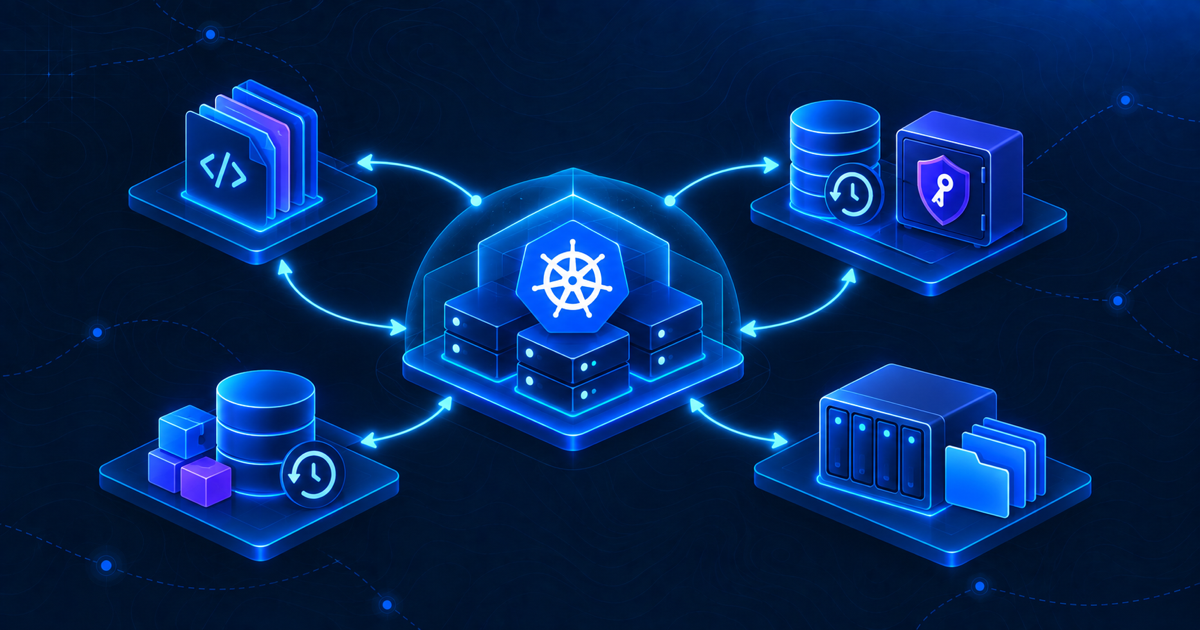
A practical Kubernetes disaster recovery plan therefore needs several coordinated backup layers.
Layer 1: Git and GitOps state
In a Kubernetes disaster recovery plan, Git is the cleanest source for intended configuration. In this environment, application manifests and Argo CD definitions belong in a repository. Git provides history, review and a reproducible desired state for workloads.
Git is valuable during a full rebuild because it answers questions that an emergency operator should not have to reconstruct from memory:
- Which namespaces and applications should exist?
- Which image tags, Services and Ingress rules were approved?
- Which resource requests, probes and storage classes were expected?
- In what order should platform components and applications return?
But Git is not a copy of live cluster state. Runtime-generated Secrets may not be stored there. Manually created objects can drift from the repository. Git also contains neither database rows nor files on a PVC. Treat it as the desired-state layer, not as the whole backup.
The recovery goal for this layer is simple: the repository must be available outside the failed cluster, its history must be protected, and a fresh operator must know which branch or tag represents the last known-good state.
Layer 2: etcd snapshot and the k3s server token
For the control-plane layer of Kubernetes disaster recovery, a multi-server k3s cluster using embedded etcd, the native snapshot mechanism is the control-plane recovery layer. Current k3s defaults create scheduled snapshots at 00:00 and 12:00 system time and retain five, unless configuration overrides those values. The k3s etcd-snapshot documentation also supports on-demand snapshots and replication to S3-compatible object storage.
The critical detail is that a snapshot is not self-sufficient. K3s explicitly requires the original server token at:
/var/lib/rancher/k3s/server/token
The token is used to encrypt confidential bootstrap data in the datastore. The official k3s backup and restore guidance warns that restoring with a different token makes the snapshot unusable.
That creates a two-part recovery object:
recoverable control plane =
  etcd snapshot
  + matching k3s server token
The snapshot and token are also highly sensitive. A snapshot contains Kubernetes state, and possession of both snapshot and token can expose encrypted resources and cluster CA private keys. Copies need restricted access, encryption, retention controls and a known chain of custody. The server token should be verified by existence, permissions and protected backup location—never pasted into tickets, shell history or a blog post.
In the current environment, copying snapshots to QNAP was a good first step because it removed dependence on one control-plane disk. The remaining question is whether the NAS copy and the token would still be available in each disaster scenario.
Layer 3: application database backups
An etcd snapshot can recreate the Kubernetes objects that define a database workload. It does not replace a database-native backup policy.
Stateful applications need their own recovery mechanism, selected according to the database engine and acceptable data loss. Depending on the workload, that may be a logical dump, a physical backup, storage snapshot integration, write-ahead log archiving or a managed database service’s recovery feature.
The important design questions are application-level questions:
- What is the maximum acceptable data loss?
- Does the backup remain consistent while the application is writing?
- Are users and privileges included?
- Can the data be restored into the application version that will run after recovery?
- Has a restore been tested rather than only a backup file created?
This layer must also define dependency order. Restoring an application Deployment before its database is ready may produce noisy failures and failed migrations. A useful runbook brings back the storage and database, validates them, and only then restores normal application traffic.
Layer 4: persistent volume and file data
The fourth layer of Kubernetes disaster recovery protects non-database files stored through PVCs: uploads, attachments, generated reports, application assets and other filesystem content. In this k3s environment, much of that state lives on QNAP NFS.
Backing up the PVC definition is not enough. If the QNAP volume disappears, etcd can recreate the claim object but cannot recreate the missing files. The storage platform therefore needs its own protection plan, including retention, a second failure domain and a documented restore path.
A NAS snapshot can help with fast recovery from accidental changes, but a snapshot on the same appliance does not protect against complete appliance loss, administrative compromise or certain ransomware scenarios. A stronger design keeps another protected copy off the primary NAS—ideally with different credentials and some form of immutability or offline separation.
The Kubernetes disaster recovery runbook also needs mapping information: which PVC belongs to which application, which NFS path backs it, which data must be restored first and which permissions or UID/GID behavior the workload expects after restore.
Turn the four layers into an RPO policy
Backup frequency should follow recovery objectives, not a single cluster-wide number. An initial planning matrix might look like this:
| Layer | Illustrative RPO | Evidence to retain |
|---|---|---|
| Git/GitOps | Every accepted change | Remote repository, protected history and known-good revision |
| etcd plus server token | 12 hours | Snapshot inventory, off-host copy log and protected token copy |
| Application databases | 6, 12 or 24 hours by service | Backup job result and periodic restore report |
| PVC and file data | 24 hours or application-specific | NAS job result, retention inventory and file restore test |
These values are examples from the planning conversation, not a finalized production policy. A finance database and a low-change internal wiki should not inherit the same RPO merely because they share a cluster.
Retention also needs more than “keep five.” With a default twelve-hour etcd schedule, five local snapshots cover only a short window. That may be enough for node failure but not for corruption discovered a week later. Daily, weekly and monthly copies should be considered according to the risks and available storage.
Design Kubernetes disaster recovery around failure scenarios
A useful plan names the failures it must handle. For this environment, the initial runbook should distinguish at least:
| Scenario | Primary recovery source | Key question |
|---|---|---|
| One control-plane node lost | Remaining etcd quorum and node rebuild procedure | Can the member be replaced without restoring the whole cluster? |
| All control-plane nodes lost | etcd snapshot plus original server token | Can the control plane be rebuilt on new hosts? |
| All workers lost | GitOps state and replacement workers | Will stateless workloads reschedule after nodes rejoin? |
| QNAP unavailable | Storage failover or off-appliance data copy | Where are the actual PVC files? |
| Database corruption | Database-native backup | Which point in time is clean? |
| Total-site rebuild | All four layers | Are any backup dependencies located only at the failed site? |
This scenario approach exposes hidden circular dependencies. For example, storing the only Git service, backup instructions and snapshot credentials inside the cluster they are meant to recover makes a total rebuild unnecessarily difficult.
A backup becomes trustworthy during restore
File existence proves that a job wrote something. It does not prove that the file is readable, that the original server token matches, that the documented sequence is correct or that application data can be recovered.
The safest next milestone is an isolated drill:
- Select a copied snapshot and its protected matching token.
- Build a temporary control-plane VM on an isolated network.
- Follow the version-appropriate official k3s restore procedure.
- Verify namespaces, deployments, CRDs, Secrets and Argo CD state.
- Attach a disposable worker and confirm that ordinary workloads can schedule.
- Restore one database backup and one representative PVC dataset separately.
- Record actual recovery time, missing steps and manual decisions.
- Destroy the test environment after evidence and corrections are saved.
The detailed audit that prepares this drill is documented in Audit k3s etcd Backups: 10 Checks Before You Trust Them.
Do not practice a destructive cluster reset on production. K3s performs checksum validation as part of snapshot restoration, but the entire process still needs to be exercised in a disposable environment with a reviewed runbook.
Practical lessons
- High availability and backup solve different problems. Three control-plane nodes can tolerate some failures, but they do not recover deleted or corrupted state.
- An off-node copy is not automatically an off-site copy. A QNAP protects against a node disk failure, but the NAS may still share power, credentials or location with the cluster.
- The server token is part of the backup. Protect it separately and verify it without displaying its value.
- Database and PVC data need application-aware protection. Kubernetes objects alone cannot recreate their contents.
- RPO must be assigned per data set. One global schedule hides different business requirements.
- Restore evidence matters more than green backup logs. Record the date, snapshot, environment, duration and verification results of every drill.
Conclusion
The most important shift in this Kubernetes disaster recovery design was moving from “we copy etcd snapshots to QNAP” to “we can recover the service.” The second statement requires GitOps state, an etcd snapshot and matching k3s token, database-native backups, persistent file backups and a tested sequence that joins them together.
The existing snapshot-copy script remains valuable. It is now one component of a broader recovery system rather than the finish line. That is the difference between having backup files and having a credible recovery capability.