
Table of Contents
Migrating a Live Snipe-IT Instance from a VM to k3s Without Losing Data
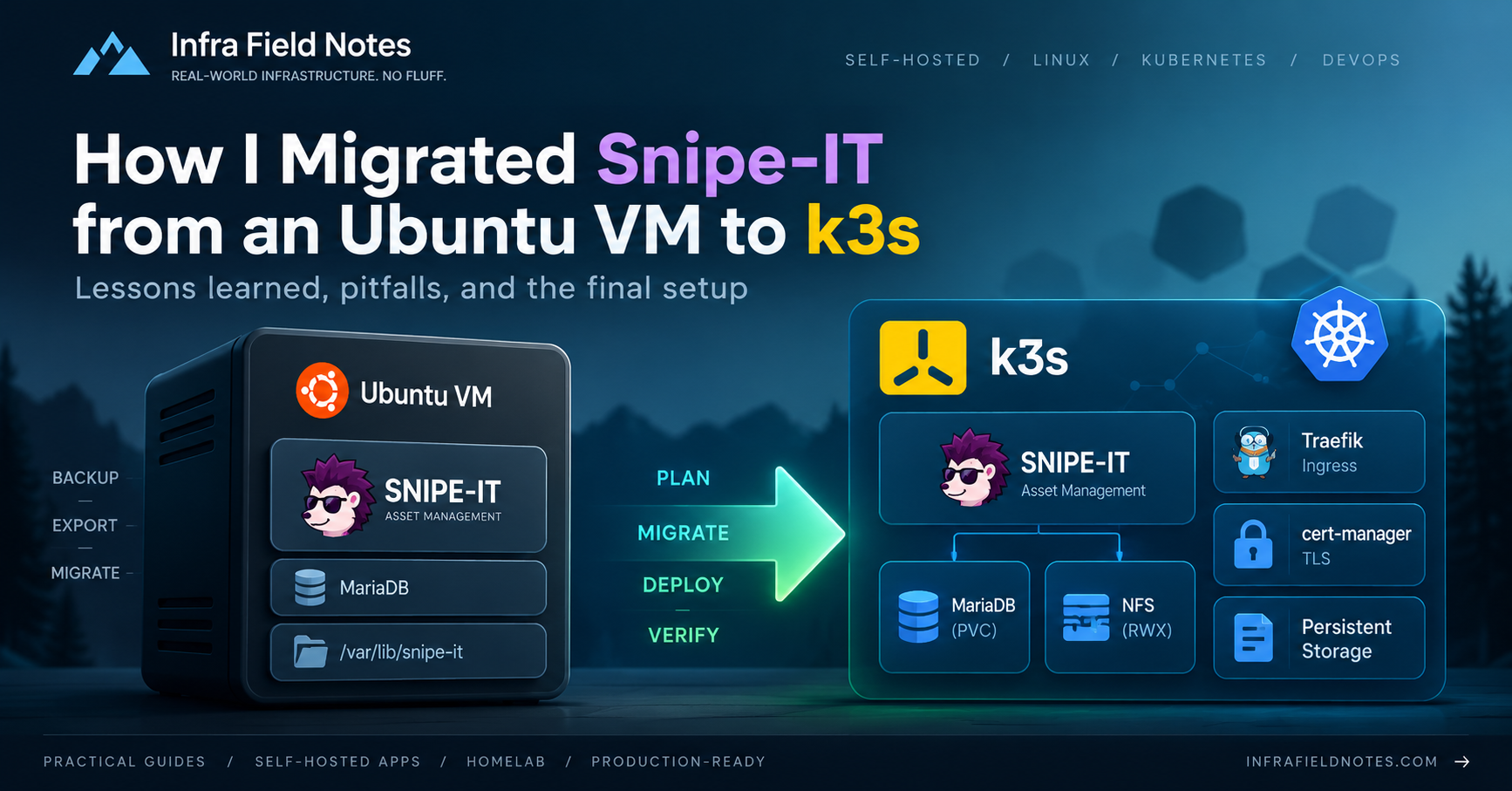
This Snipe-IT k3s migration started as a straightforward attempt to move a legacy VM-based installation into my existing Kubernetes environment. Migrating a stateless application into Kubernetes is usually straightforward: build an image, deploy it, point traffic at it and move on.
Snipe-IT was different.
This was an application that had already been in production for years. It contained real asset records, uploaded documents, images, application secrets and historical data. It was also installed in the traditional way — directly on an Ubuntu VM, with Apache, PHP-FPM and MariaDB.
The goal was not simply to “run Snipe-IT in Kubernetes”.
The goal was to move the existing production instance to k3s, preserve all of its data, introduce GitOps management and upgrade a three-year-old application version — while keeping rollback simple.
This is the migration as it actually happened.
The Starting Point
The original server was an Ubuntu 20.04 VM:
Snipe-IT        v6.2.1
Laravel         8.83.22
PHP             8.0.30
Apache2
MariaDB         10.3.39
Snipe-IT lived under:
/var/www/snipe-it
and the database was running locally on the same VM.
The database itself was tiny:
Database      snipe_it
Size          2.41 MB
Tables        49
Engine        InnoDB
Charset       utf8mb4
The database size, however, was not the whole story.
Snipe-IT also had persistent filesystem data:
public/uploads             2.2 MB
storage/private_uploads    94 MB
There were also OAuth private/public keys and, most importantly, the existing Laravel APP_KEY.
That last item is critical.
Replacing the application while generating a new APP_KEY can make previously encrypted values unreadable. The migration therefore had to preserve the existing key.
First Rule: Separate Migration from Upgrade
The existing Snipe-IT version was old enough that upgrading it was desirable.
But combining these operations:
VM → Kubernetes
Snipe-IT 6 → Snipe-IT 8
MariaDB 10.3 → newer MariaDB
storage migration
reverse proxy change
HTTP → HTTPS
into one step would make troubleshooting unnecessarily difficult.
Instead, the migration was split into two milestones.
First:
Snipe-IT v6.2.1 VM
        ↓
Snipe-IT v6.2.1 k3s
Only after that worked:
Snipe-IT v6.2.1
        ↓
Snipe-IT v8.6.3
That decision turned out to be one of the most useful parts of the migration.
Build More Than One Backup
Before touching Kubernetes, three independent backups were created.
Snipe-IT’s own backup:
sudo -u www-data php artisan snipeit:backup
produced an archive of roughly 83 MB.
A separate SQL dump was also created:
mysqldump \
  --single-transaction \
  --routines \
  --triggers \
  --default-character-set=utf8mb4 \
  snipe_it > snipe_it-pre-migration.sql
Finally, persistent files were archived separately:
public/uploads
storage/private_uploads
storage/oauth-private.key
storage/oauth-public.key
This gave three recovery paths:
Snipe-IT native backup
SQL dump
Filesystem archive
For a migration this small, the additional effort was negligible.
The reduction in risk was not.
Make the Migration GitOps From Day One
The k3s cluster was already managed through GitLab, Kustomize and ArgoCD.
Rather than manually creating Kubernetes resources and cleaning them up later, Snipe-IT was introduced into the same model immediately.
A dedicated ArgoCD project was created:
AppProject: snipe-it
Application: snipe-it
Namespace:   snipe-it
The repository layout followed the same pattern as existing applications:
projects/
└── snipe-it/
    ├── base/
    │   ├── app/
    │   ├── database/
    │   └── storage/
    │
    └── overlays/
        └── k3s/
Secrets were handled with SealedSecrets, so the repository never contained plaintext values for:
APP_KEY
database password
SMTP password
The entire migration was developed on a dedicated feature branch and ArgoCD temporarily tracked that branch.
Nothing was merged into main until the migration was proven.
Database First
MariaDB was the first workload deployed.
The new database used:
MariaDB 10.6.28
5 GiB local-path PVC
The DB PVC deliberately used local storage rather than NFS.
The database was only a few megabytes, while DB performance and filesystem semantics were more important than having the volume available from every node.
Restoring it elsewhere in the event of a worker failure would be trivial.
The production dump was imported and validated by comparing real data:
number of tables
assets
users
models
action_logs
The results matched the VM.
Only after the database was proven did the application work continue.
Moving the Files
Application data was placed on a QNAP-backed NFS PVC:
StorageClass: qnap-nfs
AccessMode:   ReadWriteMany
Size:         2 GiB
A temporary Kubernetes pod mounted that volume, and the old files were restored into the layout expected by the official Snipe-IT image:
/var/lib/snipeit/
├── data/
│   ├── uploads
│   └── private_uploads
└── keys/
    ├── oauth-private.key
    └── oauth-public.key
The restored file counts matched the VM:
uploads           333
private uploads   399
That simple comparison caught more mistakes than blindly checking directory sizes would have.
First Boot: Same Version
The first application deployment used:
snipe/snipe-it:v6.2.1
The startup output showed:
Nothing to migrate
apache entered RUNNING state
run_schedule entered RUNNING state
That was exactly what we wanted.
The old database schema was recognized by the same application version and no unexpected migrations were executed.
The application was initially exposed through a temporary internal hostname:
https://snipe-it.lab.example.com
The First Real Kubernetes Problem: HTTPS Awareness
The login page appeared, but without styling.
The HTML showed why:
https://snipe-it.lab.example.com/login

http://snipe-it.lab.example.com/css/dist/all.css
http://snipe-it.lab.example.com/js/dist/all.js
The page itself was HTTPS, while CSS and JavaScript URLs were being generated as HTTP.
Modern browsers correctly blocked them as mixed content.
The solution was to explicitly tell Snipe-IT that TLS was being terminated upstream:
APP_URL=https://snipe-it.lab.example.com
APP_FORCE_TLS=true
SECURE_COOKIES=true
APP_TRUSTED_PROXIES=*
After that, generated asset URLs switched to HTTPS and the application rendered normally.
Login and existing production data were successfully tested.
At this point the migration itself was complete.
Then Upgrade
With a working Kubernetes copy and an untouched production VM, the risk profile for upgrading was excellent.
Another database dump was taken:
snipe_it-before-v8.sql
and the image changed to:
snipe/snipe-it:v8.6.3
On startup, Snipe-IT ran all missing migrations between the 2023-era schema and the current release.
Dozens of migrations ran.
They all completed successfully.
Then the application returned HTTP 500.
This was exactly why migration and upgrade had been separated.
We already knew:
Kubernetes works
database restore works
Ingress works
TLS works
old Snipe-IT works
The problem had to be specific to the new application version.
The Most Interesting Failure: NFS Permissions
Laravel reported:
League\Flysystem\UnableToCreateDirectory

Unable to create a directory at:
/var/www/html/public/uploads
The current Snipe-IT image runs application processes as:
uid=10000(docker)
gid=50(staff)
The NFS directories appeared to have correct ownership:
10000:50
and even:
drwxrwxr-x+
But the application user still received:
Permission denied
Root inside the container could write.
UID 10000 could not.
chown and chmod did not solve it.
The key clue was the trailing +.
The NAS was applying additional ACL rules, so POSIX ownership alone did not determine access.
Fixing QNAP NFS for Kubernetes
The NFS share originally used normal UID/GID passthrough.
Instead, a dedicated QNAP service account was created:
k3s-nfs
It received read/write access only to the Kubernetes NFS share.
For every k3s node, NFS host access was changed to:
Access:          Read/Write
Squash option:   Squash all users
Anonymous user:  k3s-nfs
This made storage identity deterministic.
Instead of expecting the NAS to understand arbitrary UIDs from different container images, all Kubernetes NFS writes are mapped to one controlled NAS identity.
Immediately afterwards:
touch /var/lib/snipeit/data/uploads/.write-test
worked as the Snipe-IT application user.
The HTTP 500 disappeared.
That storage issue was arguably the most valuable lesson of the migration.
For NAS-backed Kubernetes storage, filesystem permissions are not only a Kubernetes concern. NFS export configuration, UID mapping and NAS ACLs are part of the application architecture.
Preparing the Production Hostname
The production URL was represented as:
https://assets.example.com
It was added to the cert-manager Certificate and Traefik Ingress.
Before changing DNS, the entire production path was tested with:
curl \
  --resolve assets.example.com:443:10.10.10.50 \
  https://assets.example.com/
The response was:
HTTP/2 302
Location: https://assets.example.com/login
CSS and JavaScript were also verified to reference:
https://assets.example.com/...
This allowed the complete production routing configuration to be tested while real users were still reaching the old VM.
Cutover
No database changes had occurred on the VM since the migration snapshot, and the newest application changes were already verified on the k3s copy.
A second final data migration was therefore unnecessary.
Apache on the VM was stopped to eliminate any possibility of split-brain writes.
DNS for:
assets.example.com
was changed to the k3s Traefik VIP:
10.10.10.50
The application became production on k3s.
The original VM was intentionally kept available with Apache stopped as a rollback option.
Final Architecture
                       Users
                         │
                         ▼
                 assets.example.com
                         │
                         ▼
                  Traefik / TLS
                         │
                         ▼
                  Snipe-IT Service
                         │
                         ▼
               Snipe-IT Deployment
                    v8.6.3
                  /           \
                 /             \
                ▼               ▼
          MariaDB 10.6      QNAP NFS PVC
          local-path        uploads / keys
Everything except the application data itself is managed declaratively through GitLab and ArgoCD.
What I Would Keep From This Migration
Do not combine migration and upgrade. First prove the existing application in the new platform.
Back up data in more than one way. A native application backup plus DB dump plus filesystem copy costs very little and gives much more confidence.
Validate data, not just services. A green Kubernetes pod does not prove a migration. Compare real row counts and real files.
Preserve application encryption keys. A database without the correct APP_KEY is not necessarily a usable database.
Test production routing before changing DNS. curl --resolve is extremely useful for this.
Treat NAS permissions as infrastructure. Kubernetes securityContext, Unix UID/GID and chmod are only part of the picture when NFS ACLs are involved.
Use a dedicated NFS identity for Kubernetes. Mapping NFS access to a service account made permissions predictable across workloads and container images.
A migration is complete only when the application, its data, storage behavior, authentication, TLS and rollback path have all been tested together.
The result was not just Snipe-IT running in Kubernetes.
It was an old manually maintained VM application converted into a GitOps-managed workload, upgraded from Snipe-IT 6 to 8, placed behind centralized ingress and TLS, and integrated into the same infrastructure model as the rest of the cluster.
That is the kind of migration Kubernetes is actually good at: not simply moving containers around, but reducing the number of one-off systems that have to be maintained differently.